

[Keyboard Easy Ordering] Key Trader【KeyTrader】 Support Page
Thank you for using this product.
For those who have purchased the One-Click FX series, it is distributed for free in the community.
https://www.gogojungle.co.jp/mypage/community/227
Product contents
One-Click FX MAX MT4,One-Click FX Trainingis a tool that, when added to a chart where this is running, allows you to buy, sell, and close positions with the keyboard. The MT5 version will be supported at a later date.
■ Default key layout
- SHIFT+H: Buy order
- SHIFT+L: Sell order
- SHIFT+X: Close all
Installation method
1) In MT4, select "Open Data Folder" from the File menu.
2) Copy everything in the MQL4/MQL5 folder of this product into the MT4/MT5 MQL4/MQL5 folder.
3) Restart MT4/MT5 and open any chart.
4) Double-click (or drag & drop) the Indicator "KeyScroller".
5) The settings screen will appear, so please configure the parameters.
6) Synchronization will occur on the installed chart.
Parameter settings
| Item name | Contents |
|---|---|
| Keyboard assignment--------- The key numbers are here,ASCII character code | |
| Buy order | Assign a key. Default is "H" |
| Sell order | Assign a key. Default is "L" |
| Close all | Assign a key. Default is "X" |
Function details
To prevent unintended orders, the SHIFT key is required.
It will not operate in environments where One-Click FX is not installed. Also, orders, including TP/SL lines, are configured according to the settings of One-Click FX.
You can trade easily with keyboard operations: Buy with SHIFT+H, Sell with SHIFT+L, Close all with SHIFT+X.
Each key is the default value, and you can change them in the parameters.
If you need help
If it is not functioning properly, behaving oddly, or stopping suddenly, please first refer to this location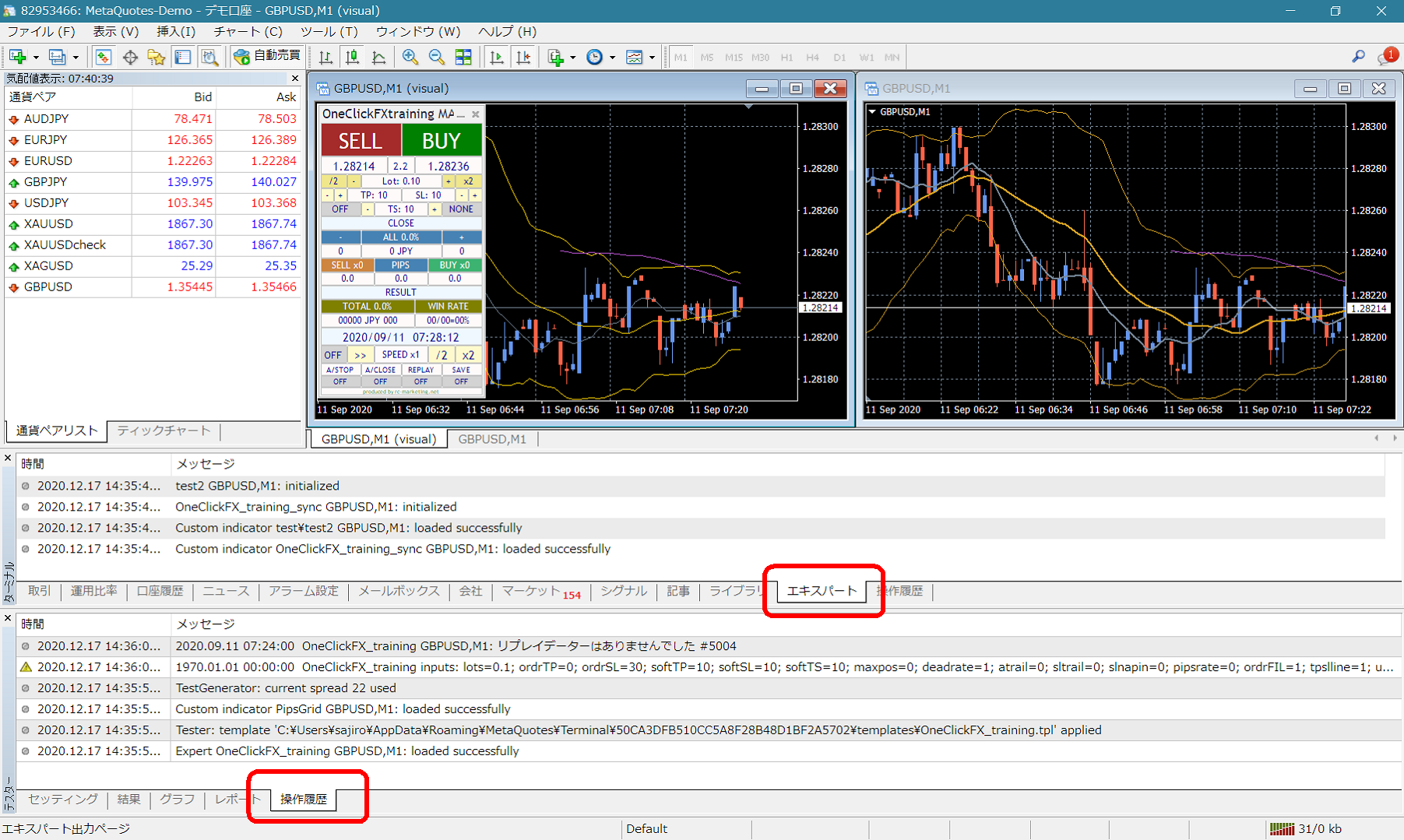 If there are error messages in the terminal's expert or tester history, please inform us of them to facilitate quicker support. We appreciate your cooperation.