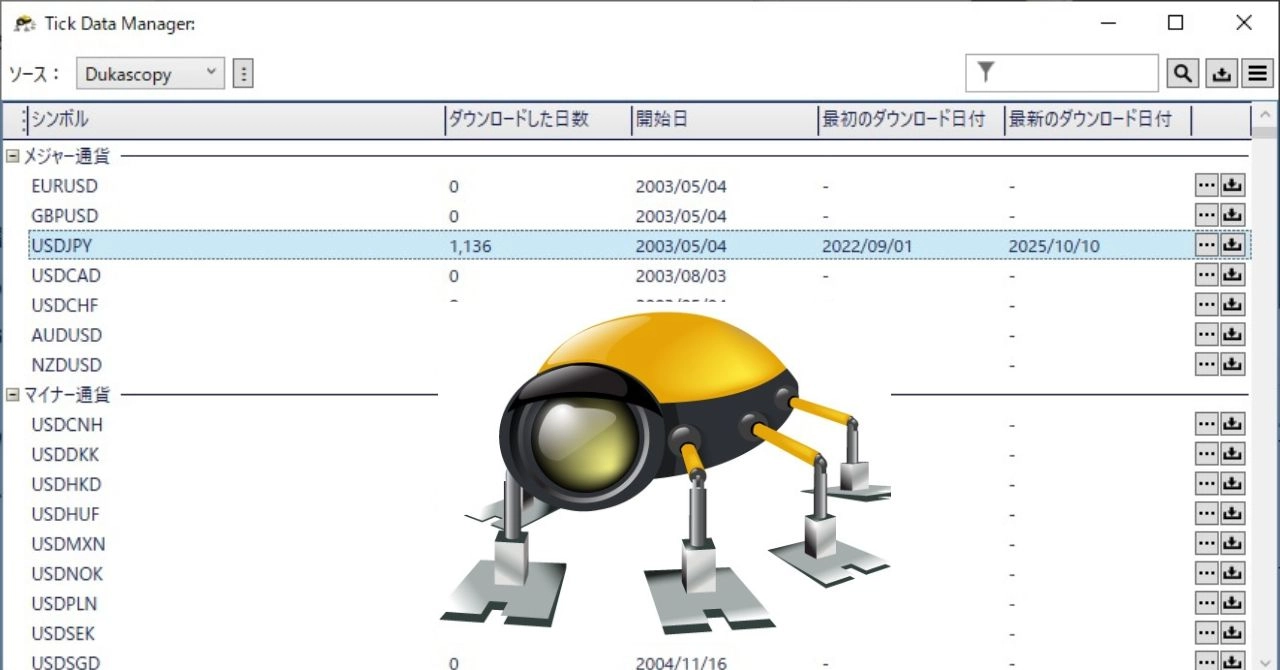

#03 Porting Dukascopy data to MT4
0
October 9, 2025: Note
Convert Dukascopy data with Python
Well then, I will convert the historical data from Dukascopy to match the historical data format downloaded from MT4, using Python!
Below is the Python source.
import pandas as pd
def convert_dukascopy_to_mt4(input_file, output_file):
"""
Function to convert Dukascopy data format to MT4
"""
try:
# Read a CSV file with no header and comma as delimiter
df = pd.read_csv(
input_file,
header=None,
names=['datetime', 'open', 'high', 'low', 'close', 'volume'],
dtype={'datetime': str, 'open': str, 'high': str, 'low': str, 'close': str, 'volume': str},
on_bad_lines='skip'
)
# Split date and time from datetime column
dt_split = df['datetime'].str.split(' ', expand=True)
df['date'] = dt_split.iloc[:, 0]
df['time'] = dt_split.iloc[:, 1].str.slice(stop=5)
# Convert date format from dd.mm.yyyy to yyyy.mm.dd
df['date'] = pd.to_datetime(df['date'], format='%d.%m.%Y').dt.strftime('%Y.%m.%d')
# Truncate fractional part of volume (more robust method)
df['volume'] = pd.to_numeric(df['volume'], errors='coerce').fillna(0).astype(int)
# Rearrange columns to MT4 format
df = df[['date', 'time', 'open', 'high', 'low', 'close', 'volume']]
# Save as a new CSV file
df.to_csv(output_file, index=False, header=False, encoding='utf-8')
print(f"Conversion complete: created new file {output_file}.")
except FileNotFoundError:
print(f"Error: file not found. Please check the path: {input_file}")
except Exception as e:
print(f"An error occurred: {e}")
# Set file names
input_file_name = "input_filename.csv"
output_file_name = "output_filename.csv"
# Run the function
convert_dukascopy_to_mt4(input_file_name, output_file_name)
It went smoothly! (°∀°)/
...though I had to rewrite the source after about three failures. (^_^;)
Import into MT4
■ Launch MT4 and disconnect the account.
This is to prevent MT4 from updating with historical data.
■ From the menu, go to Tools →
Open History Center.
■ In the left tree, select USDJPY and choose the 1-hour timeframe (H1).
■ Click the Import button, select the converted 1-hour CSV file, and
click OK.
■ Similarly, select the daily chart (D1) and import the converted daily CSV file.
■ Restart MT4.
(Do not log into the account!)
Open offline charts in MT4
■ Ensure MT4 is completely offline.
■ From MT4's menu, click File.
■ From the dropdown, select Offline Chart.
In the displayed list, the USDJPY H1 and Daily you just imported appear♪ (ˊᗜˋ)
The reason is that MT4 automatically reads my imported CSV and converts it to an .hst file.
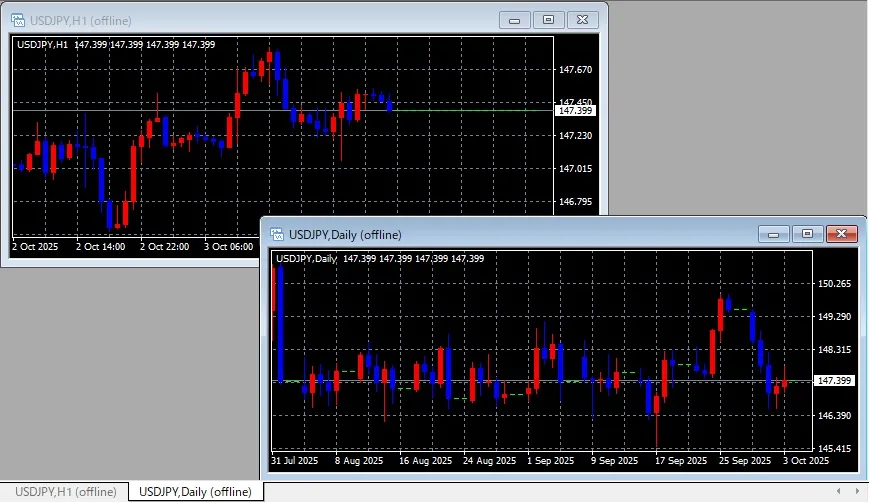
Phew... I finally got here...
Next time:
I'll run a "pretend EA" and challenge a backtest!
Probably... (^▽^;)
× ![]()