

【1 day until release】Intervention Aftermath PRO is turned into an AI market report! January 20 (Tue) adds prompt output function
Intervention Aftermath PRO
Version 6.0
1/20 (Tue) Release Decision: AI MARKET REPORT PROMPT (prompt output)
Output prompts on the Scanner side → Simply paste into ChatGPT, and the followingDaily Report Templateis expected to be generated.
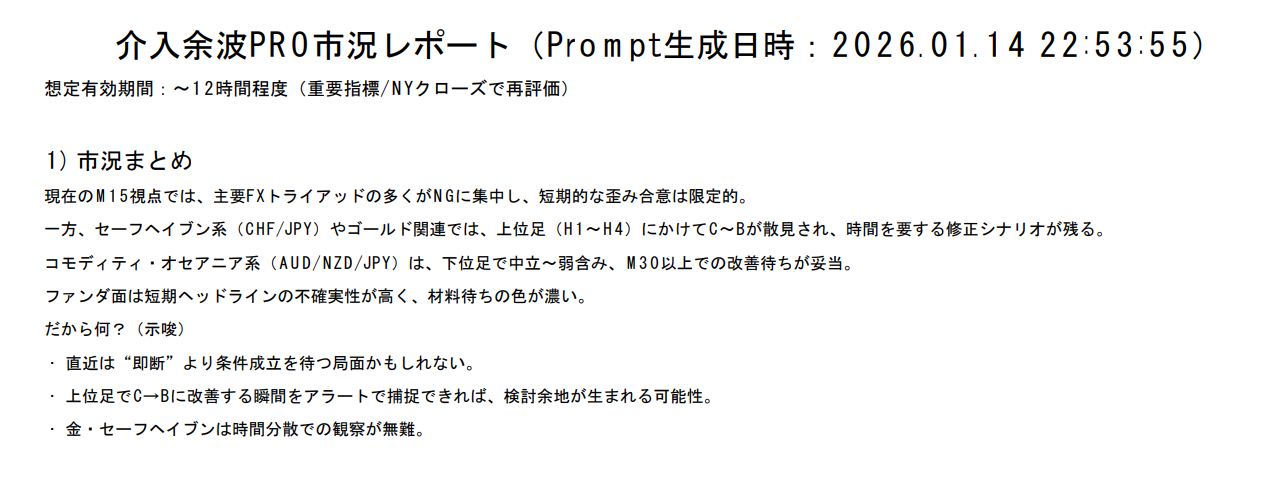
- Market Summary (for beginners): What is happening now, and therefore what should be waited for
-
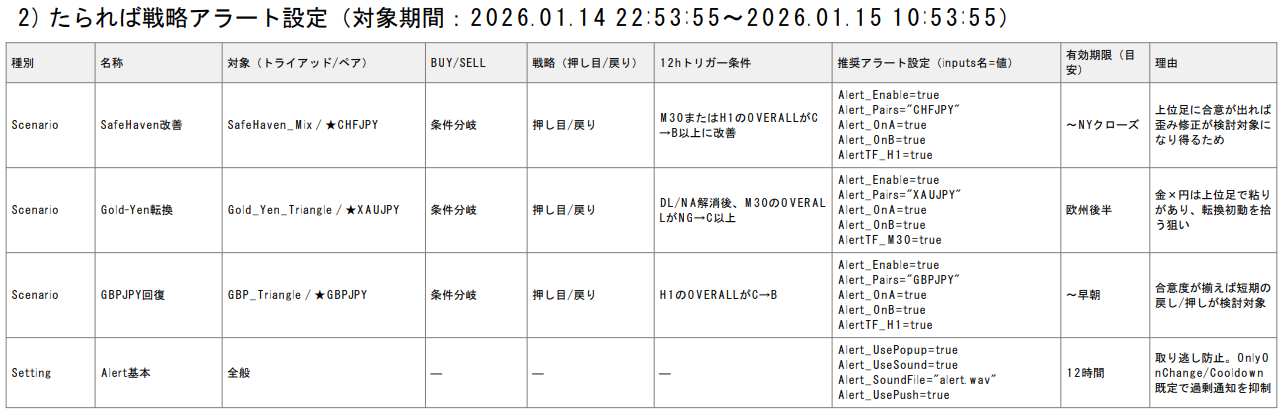
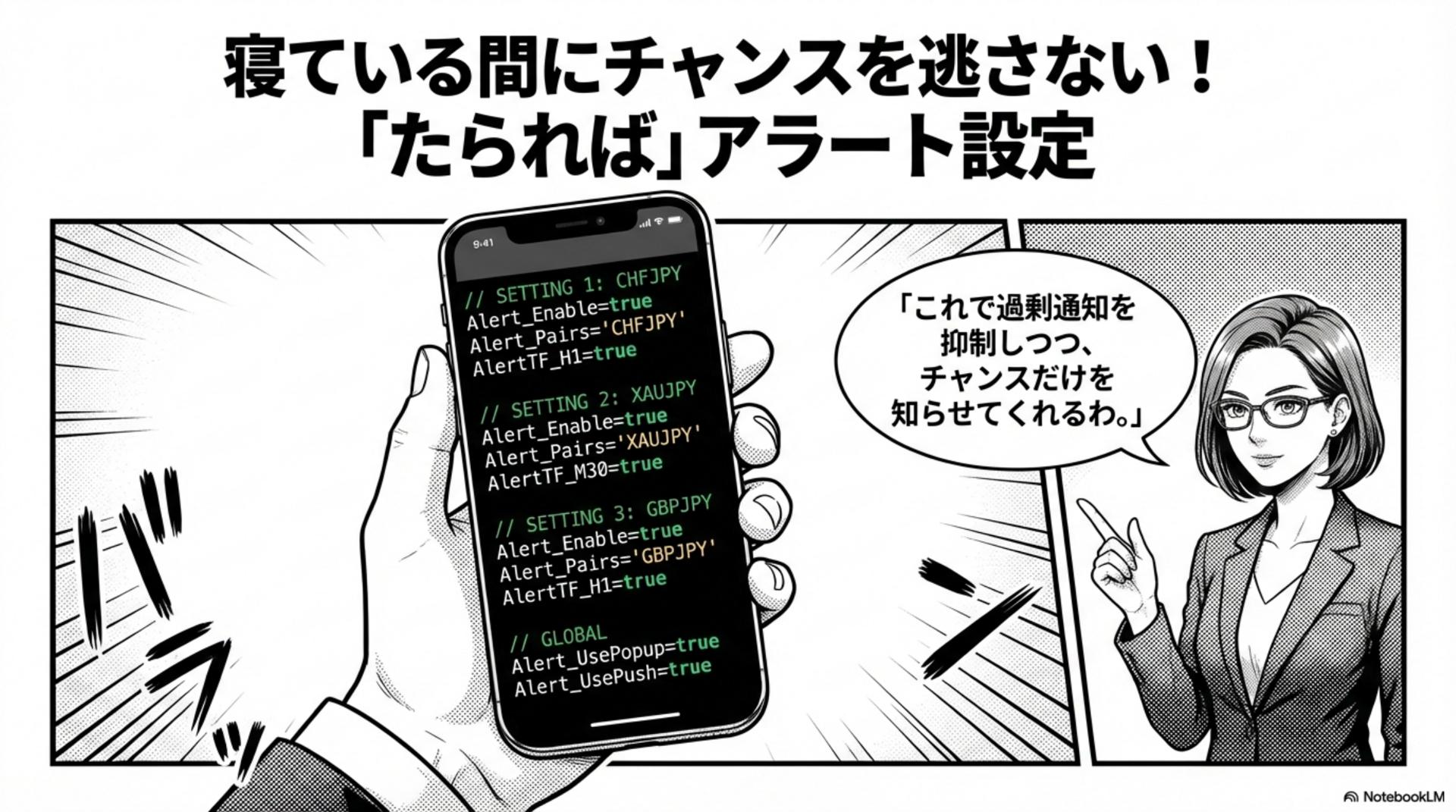
What-if Strategy Alert Settings (12 hours):
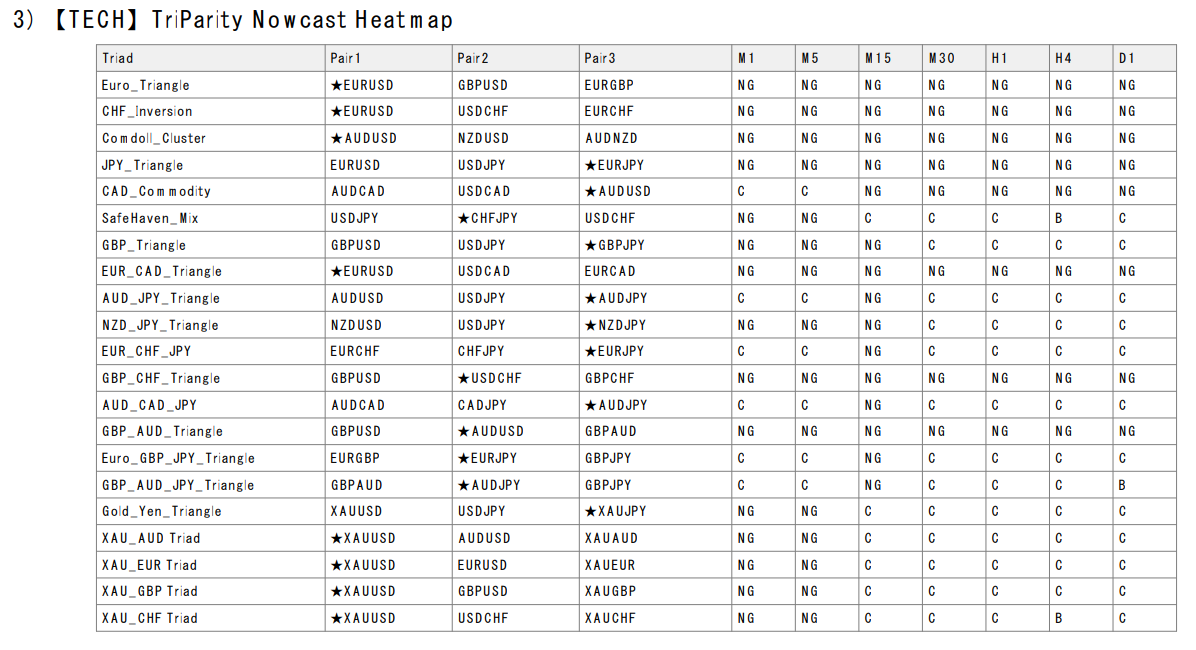
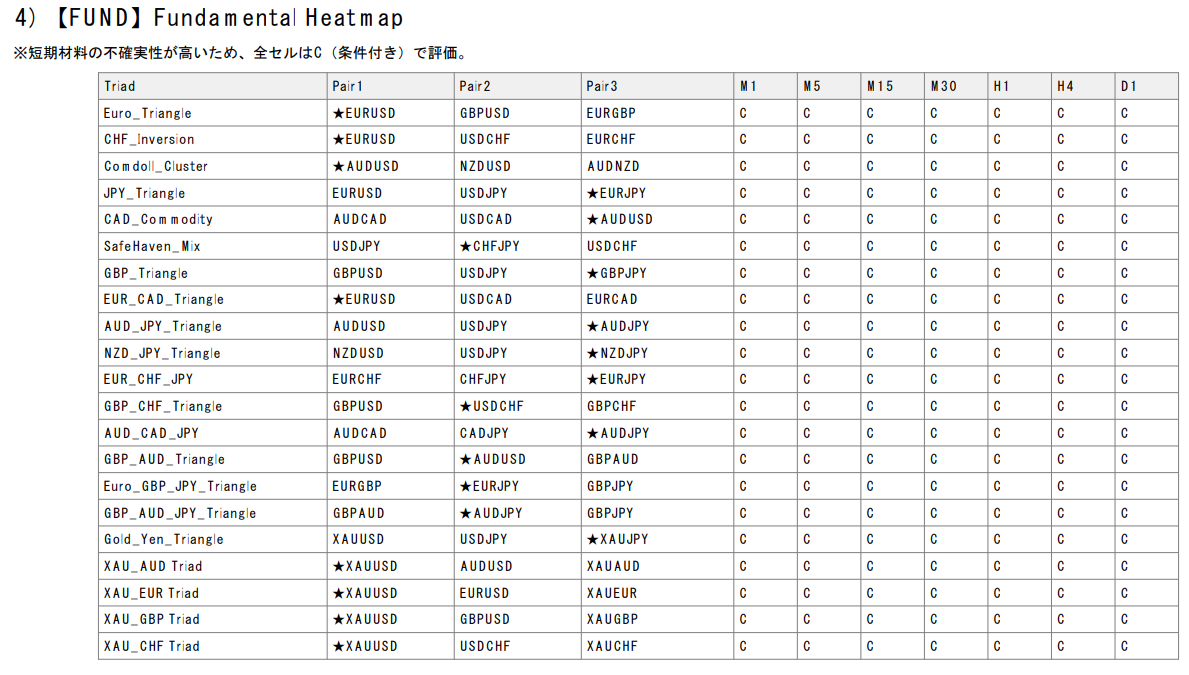
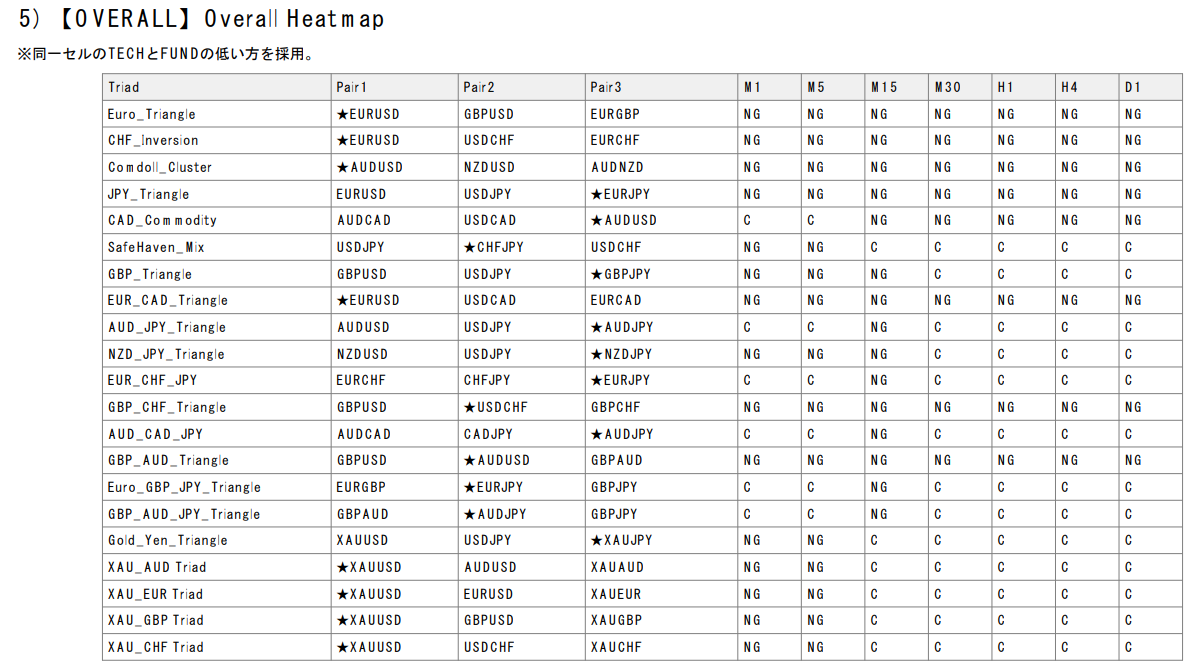
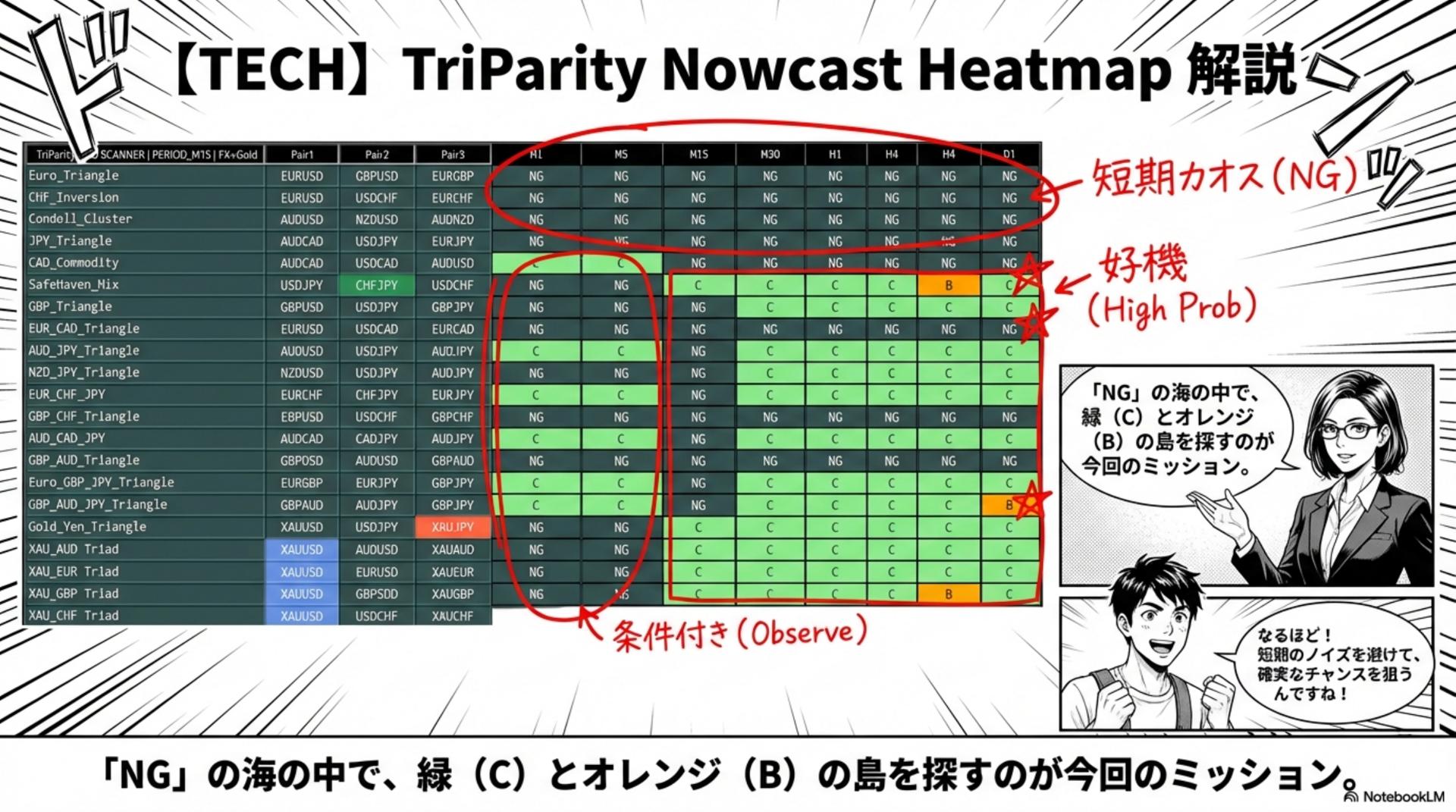
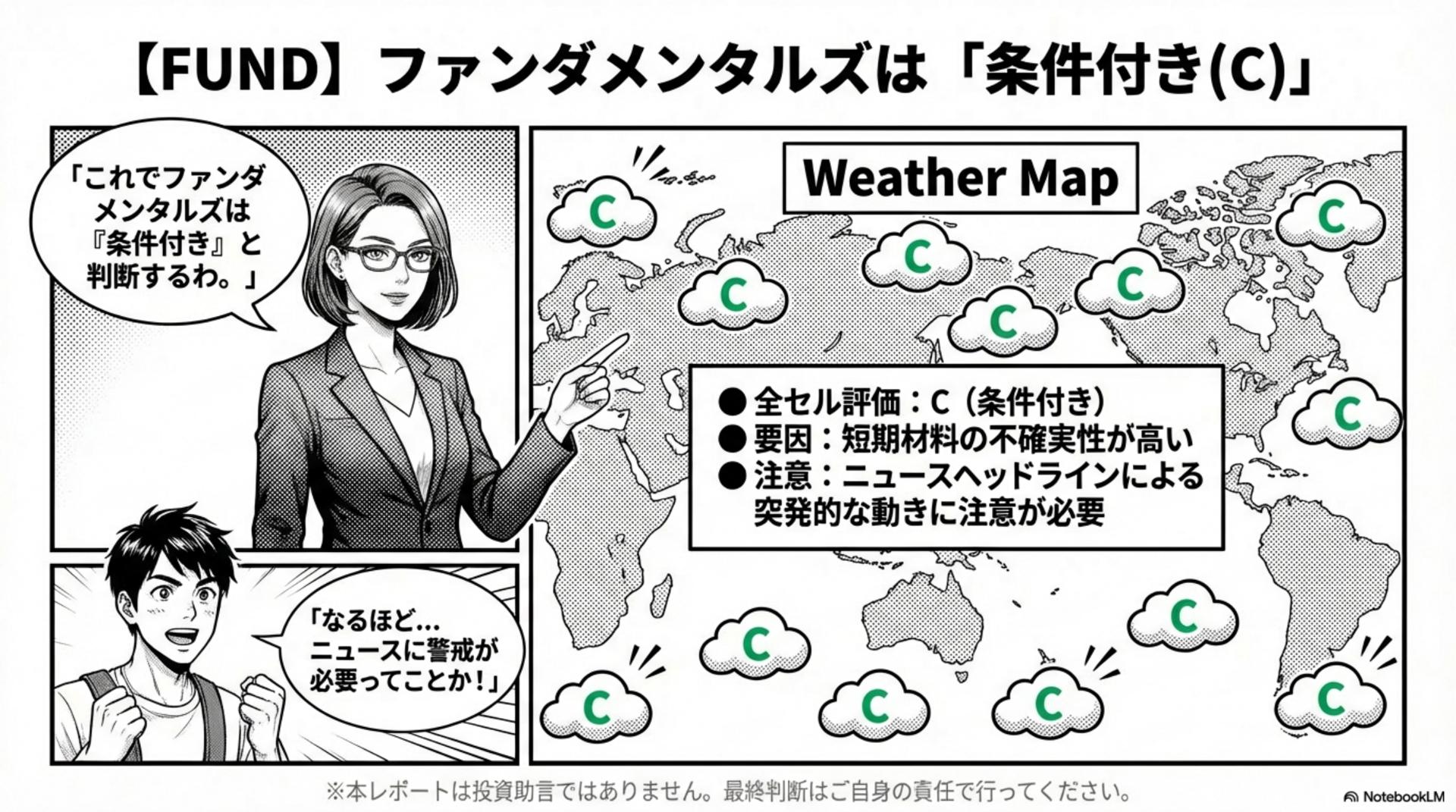
Organize conditions to avoid missing “moments that warrant consideration” such as “improving from C to B” - Reposting of TECH / FUND / OVERALL heatmap: Can view from the same matrix at a glance
- Output remains as isPDF export and storagealso possible (PDF screenshots will be published in this post)
Example: Prompt generation timestamp: 2026/01/14 22:53
Please first get a feel for “what kind of text actually comes out.”
Simply read through slides (12 in total)
For those who find text alone difficult,Slides (12 in total)break down the key points.
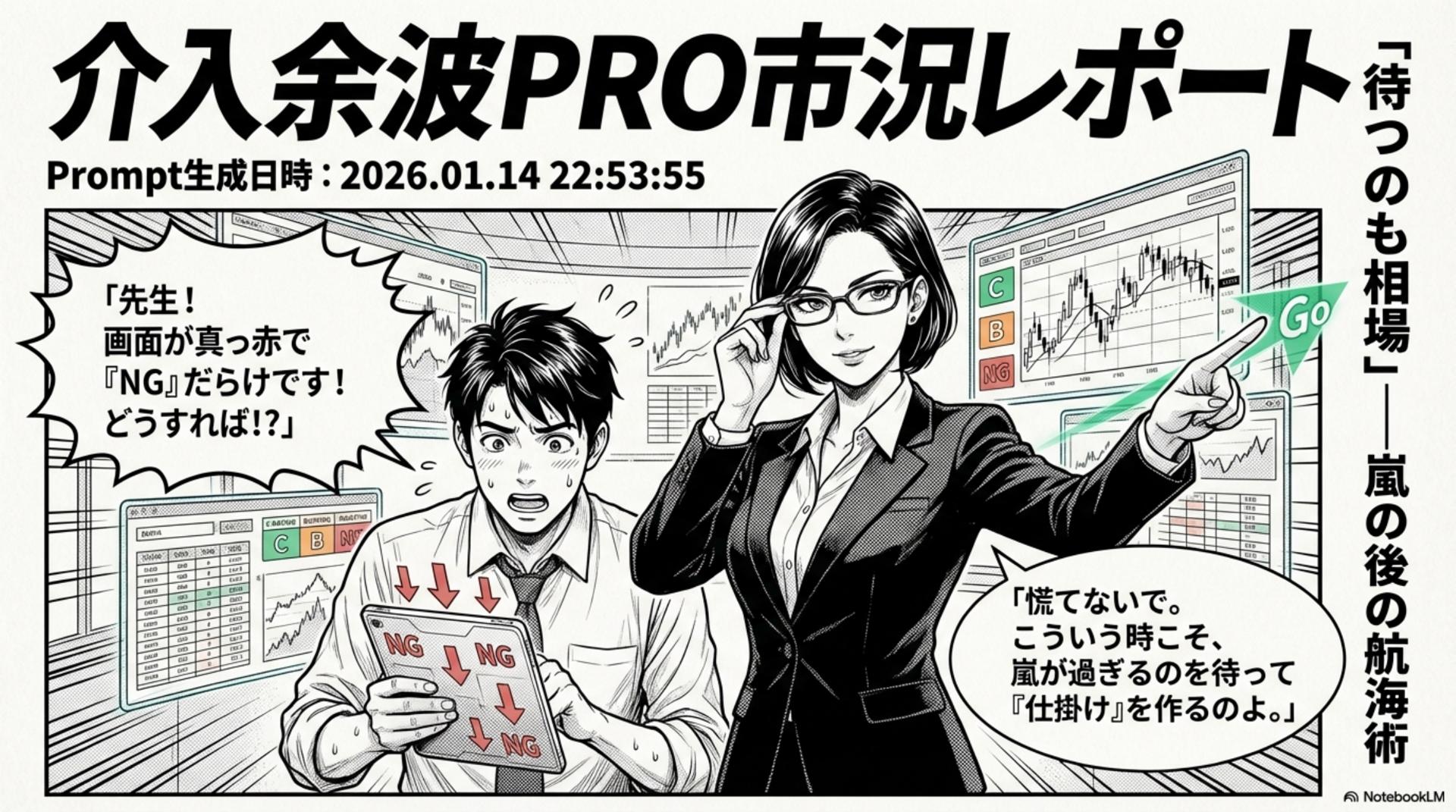
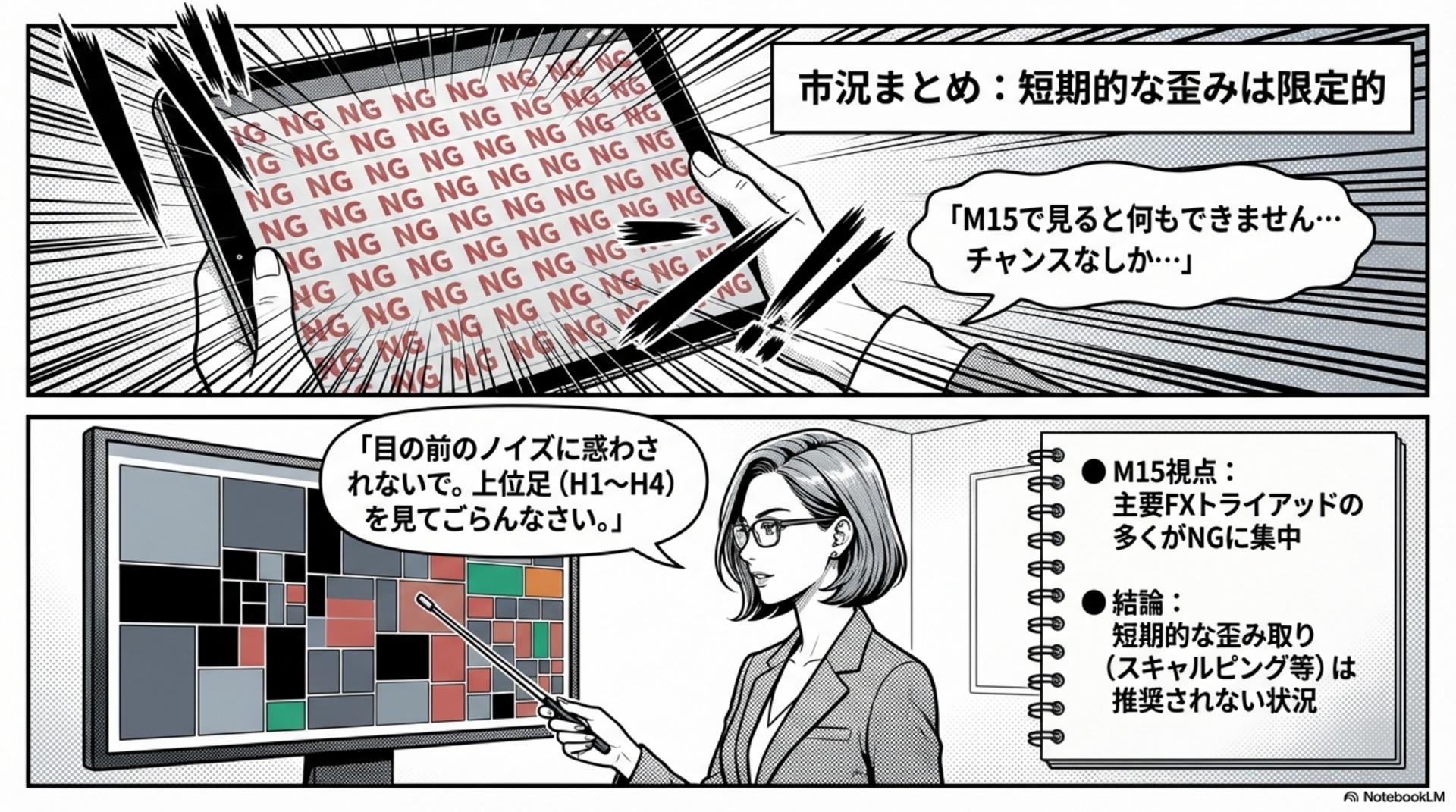
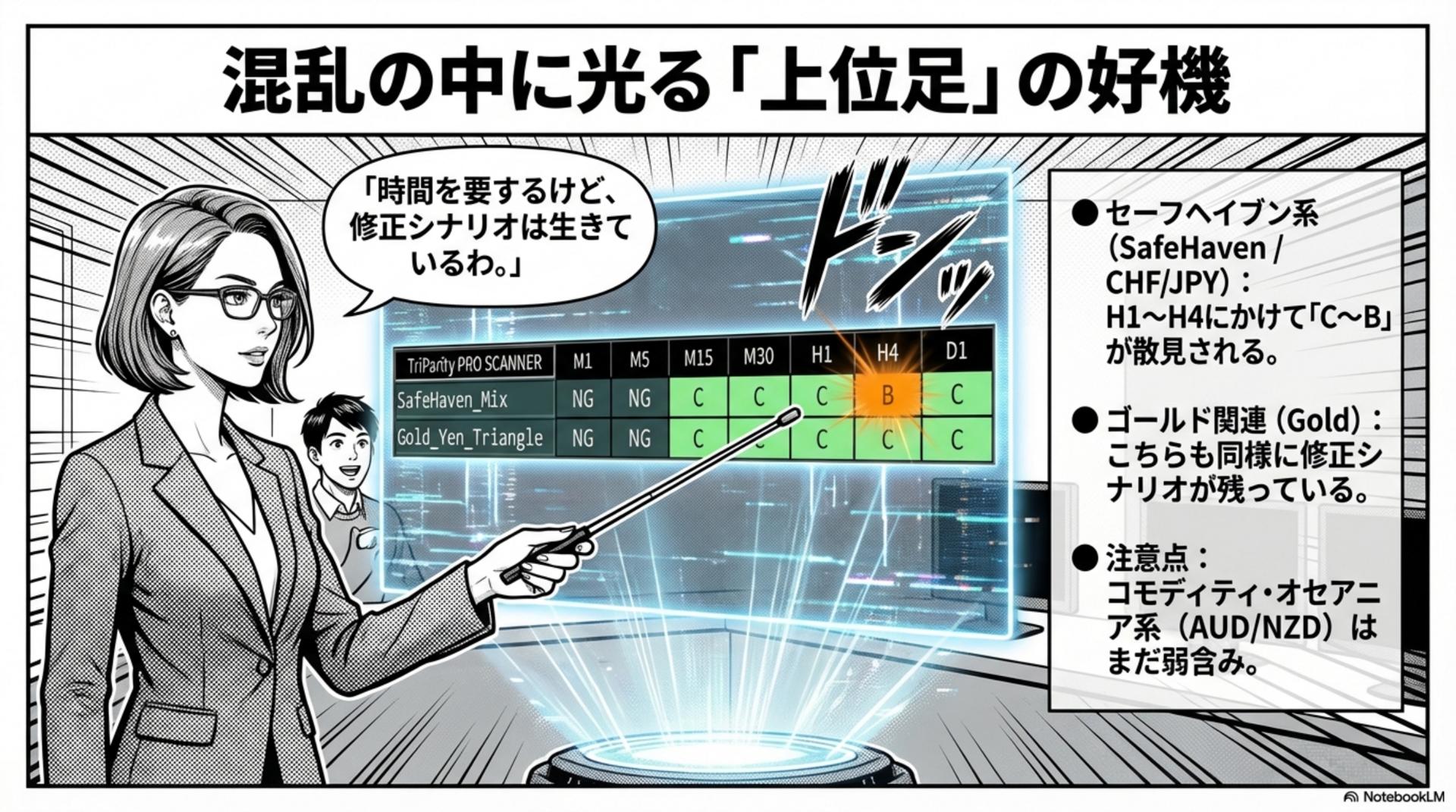
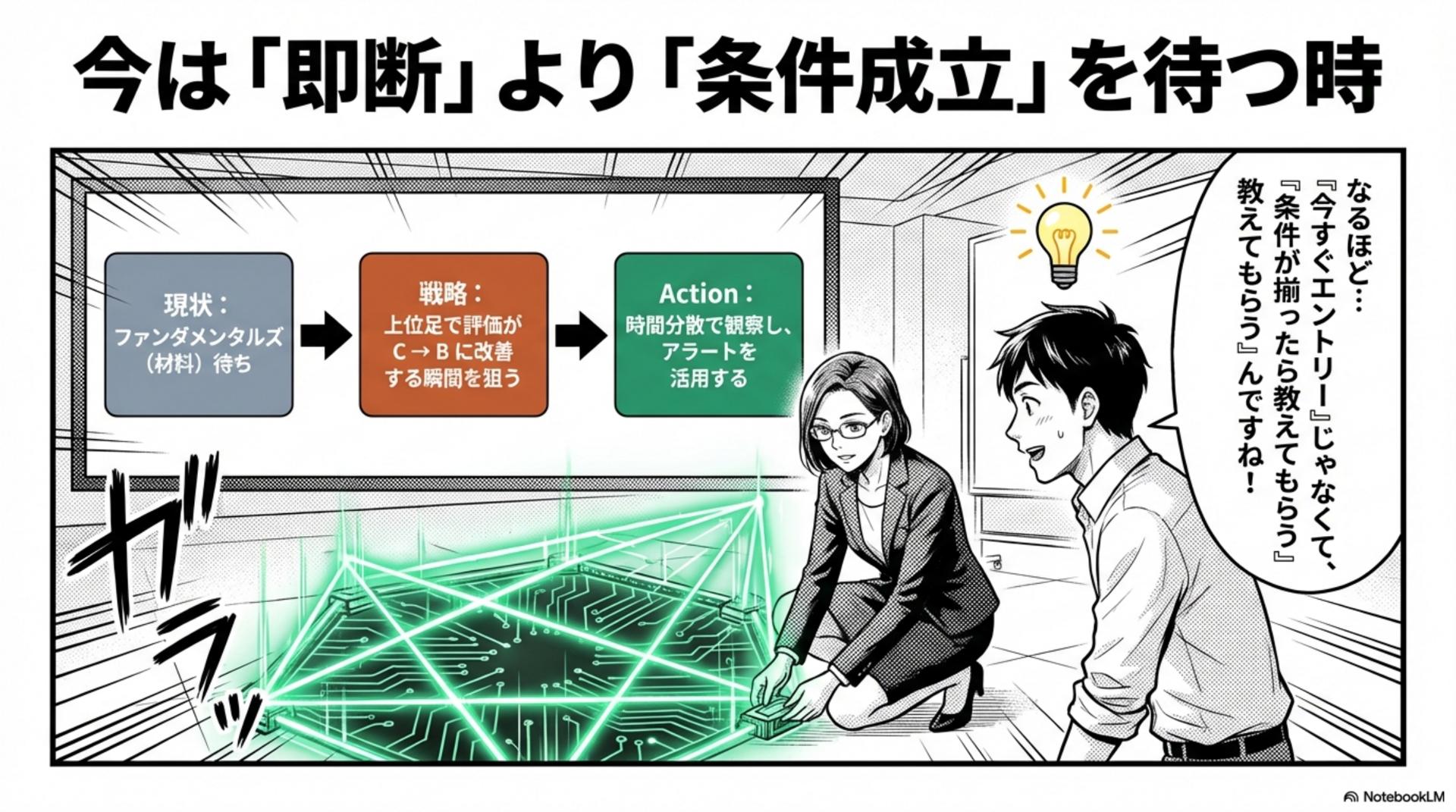
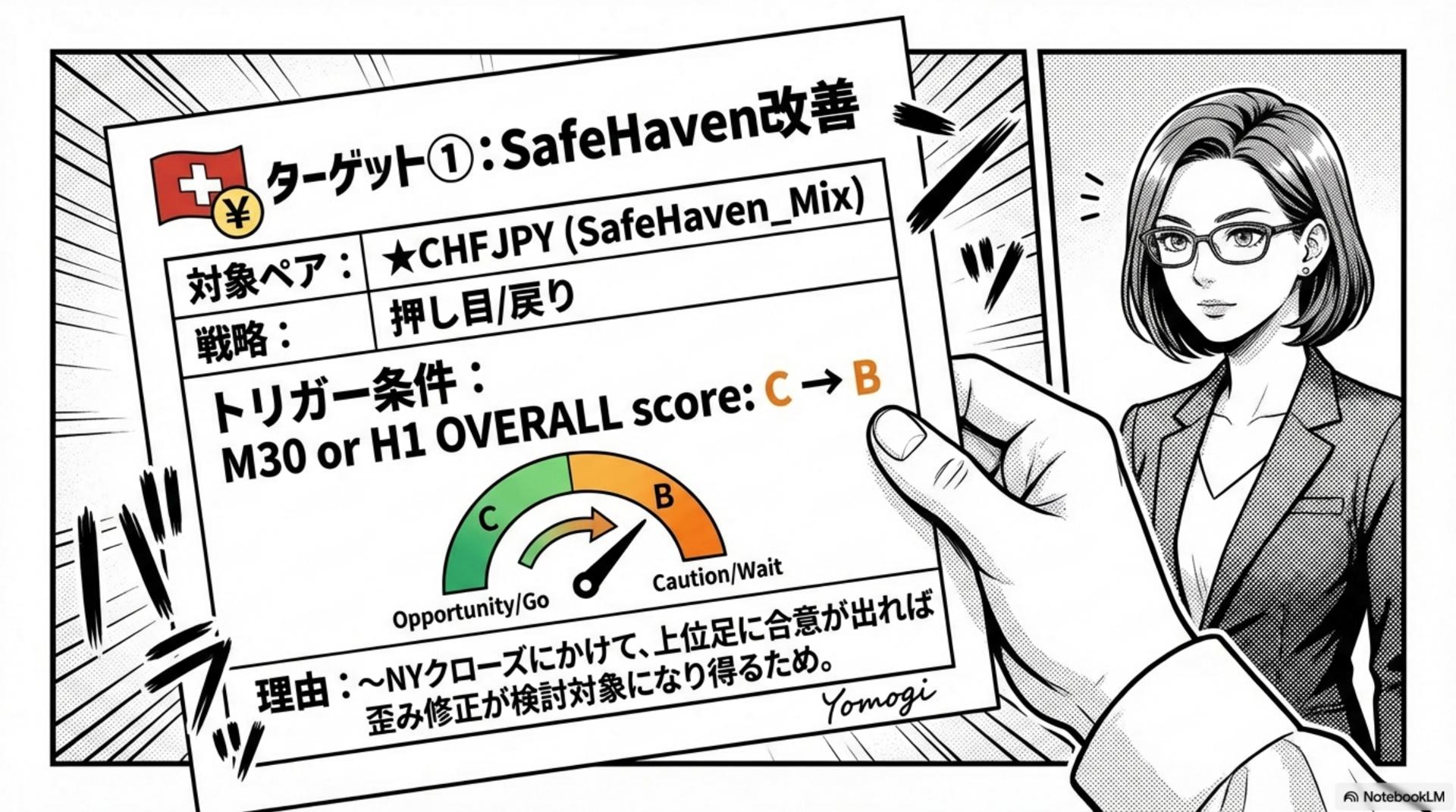
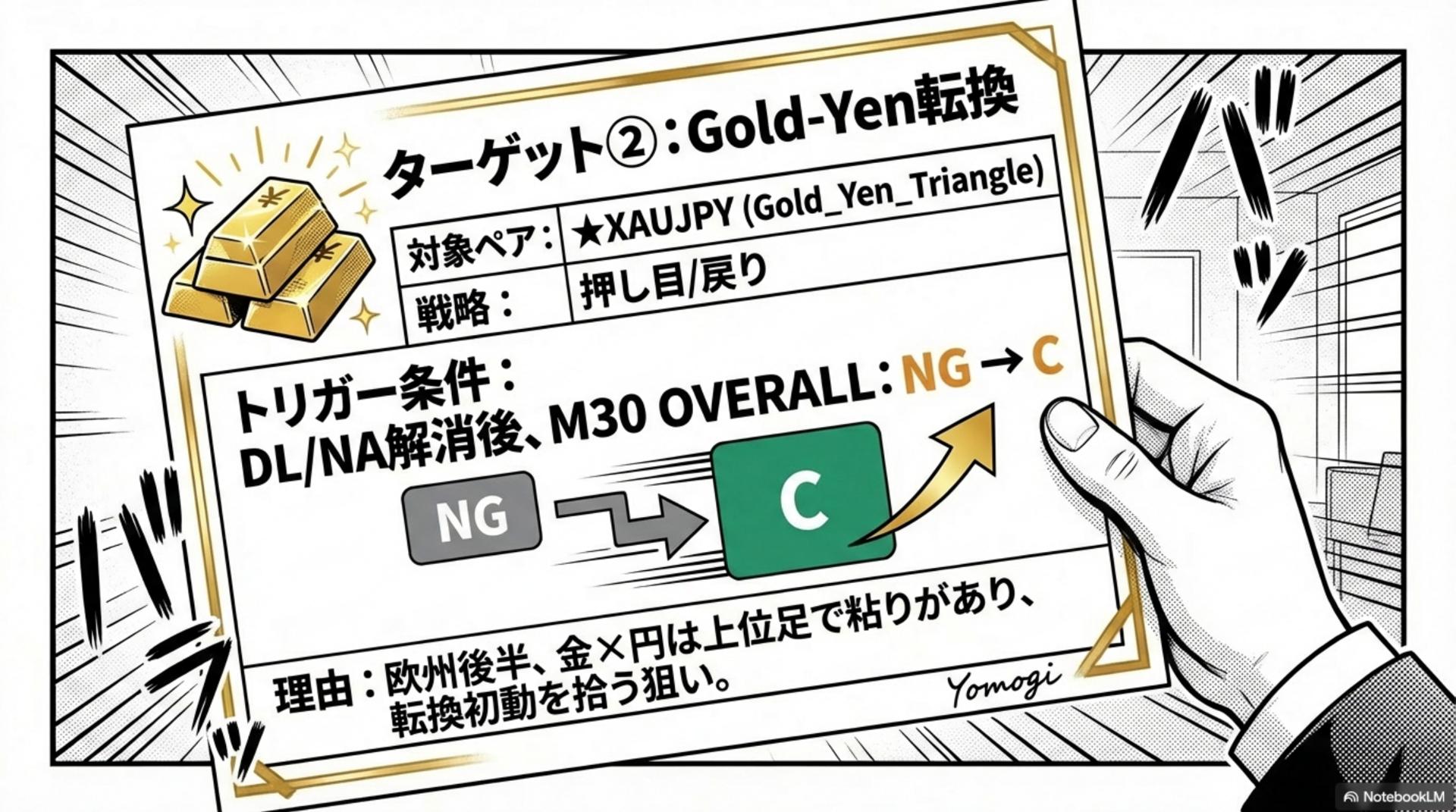
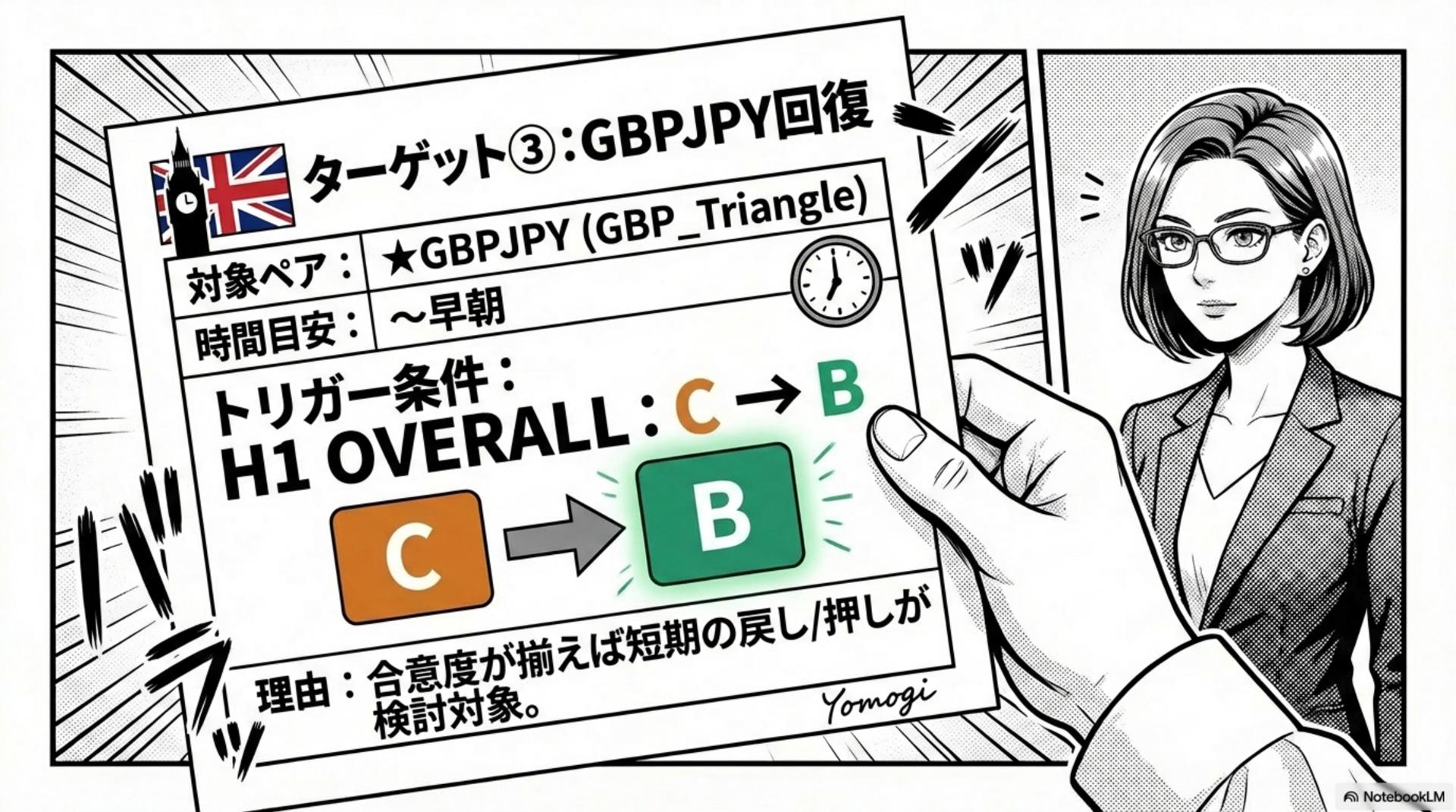
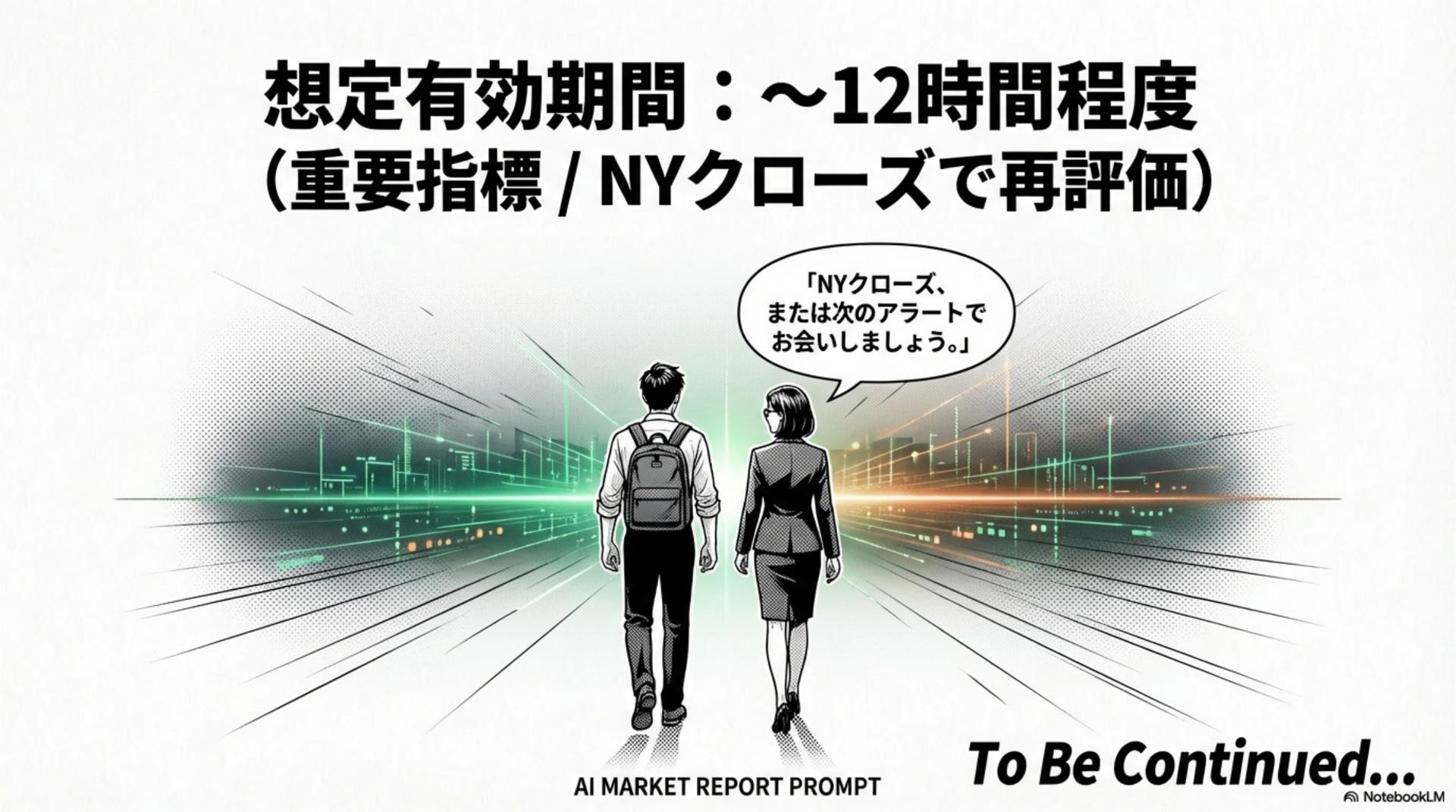
The slide points are simple.
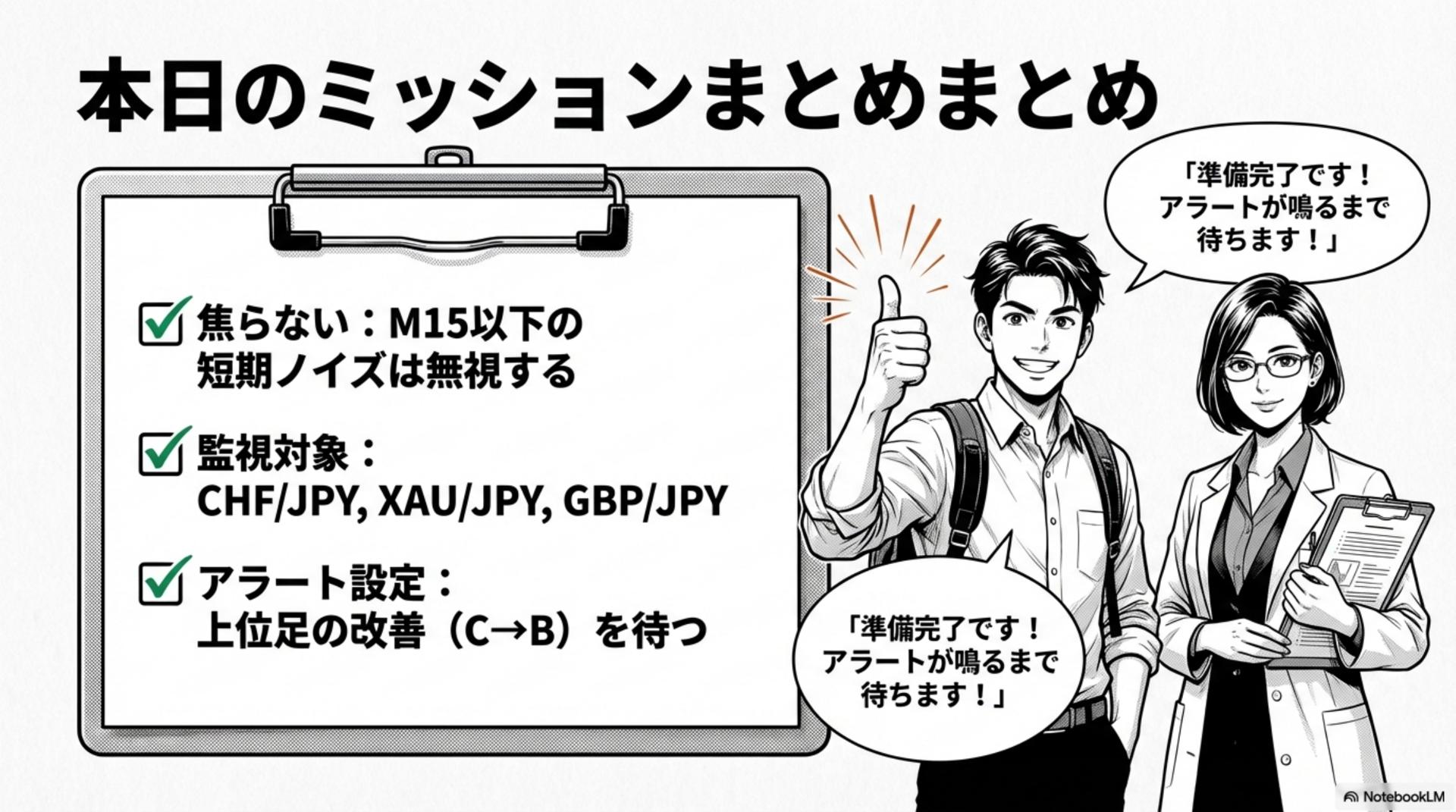
- Don’t judge based on M15 alone(on days with a lot of short-term noise, even more so)
- In upper timeframes (H1–H4), check whether any “island (C/B)” remains.
- “Today, don’t force a forecast” →Wait for conditions to be met (improvement)
- And finally, to avoid missing things while sleeping
“What-if Alert Settings”— notified only when an improvement occurs
In this example, the themes where upper-timeframe persistence is visible include
- Safe Haven-related (e.g., CHFJPY)
- Gold-related (e.g., XAUJPY)
-
GBPJPY
and other “observation targets” are organized (not definitive, but conditional for further consideration).
Summary: reduce hesitation in the next update
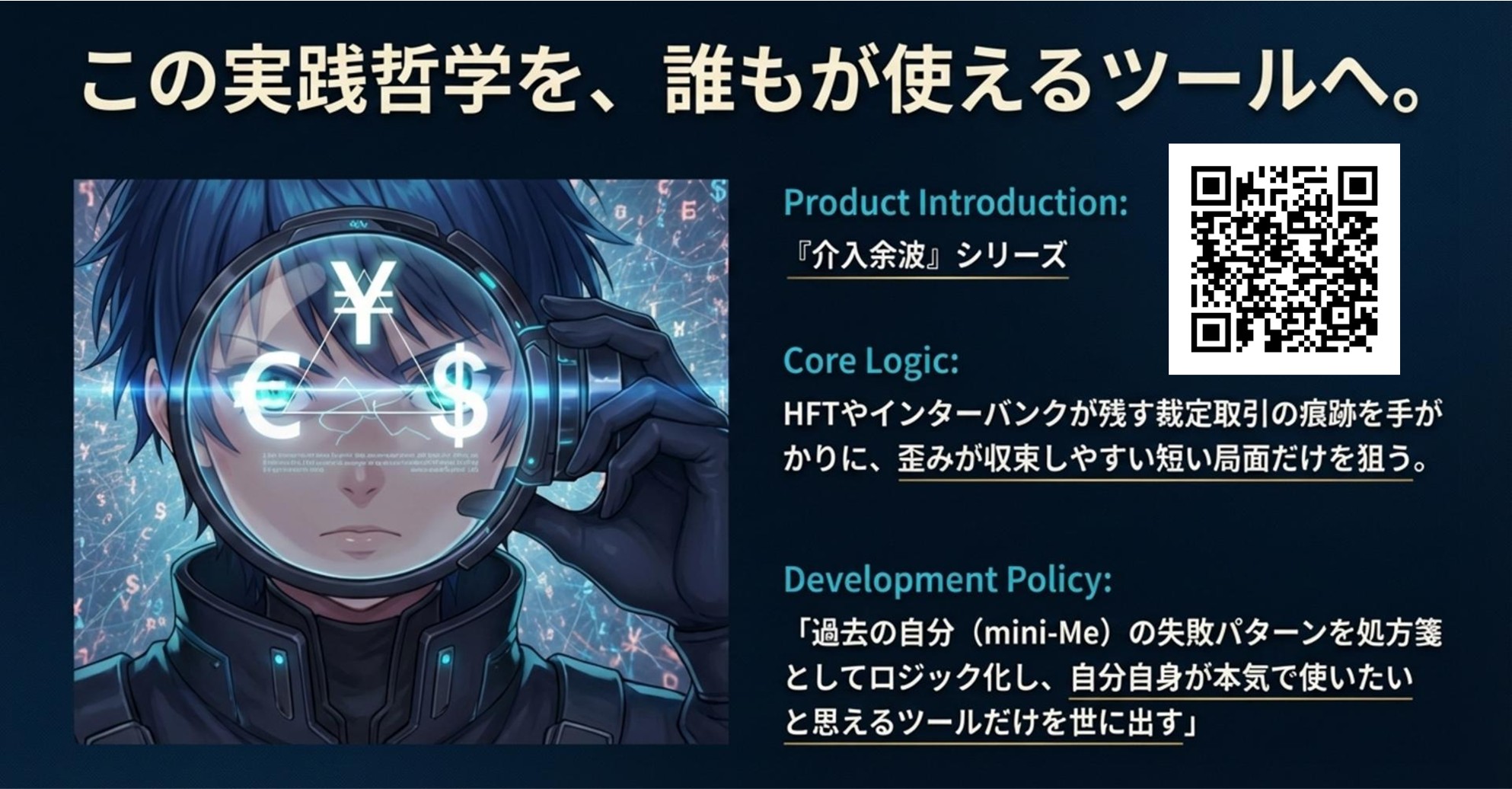
- Product site ⇒Intervention Aftermath PRO
- On 1/20 (Tue) we plan to add a feature to Scanner: “AI Market Report Prompt Output”
- The report is not a snap judgment,a tool to wait for condition fulfillmentand designed to facilitate decision-making
- We will make it reproducible for anyone with PDF screenshots and slides
If you have any questions (how to create alert conditions / which timeframes you watch / tips for operation, etc.), feel free to ask in the comments.
※This article is not investment advice. Final judgments should be made at your own risk.
× ![]()