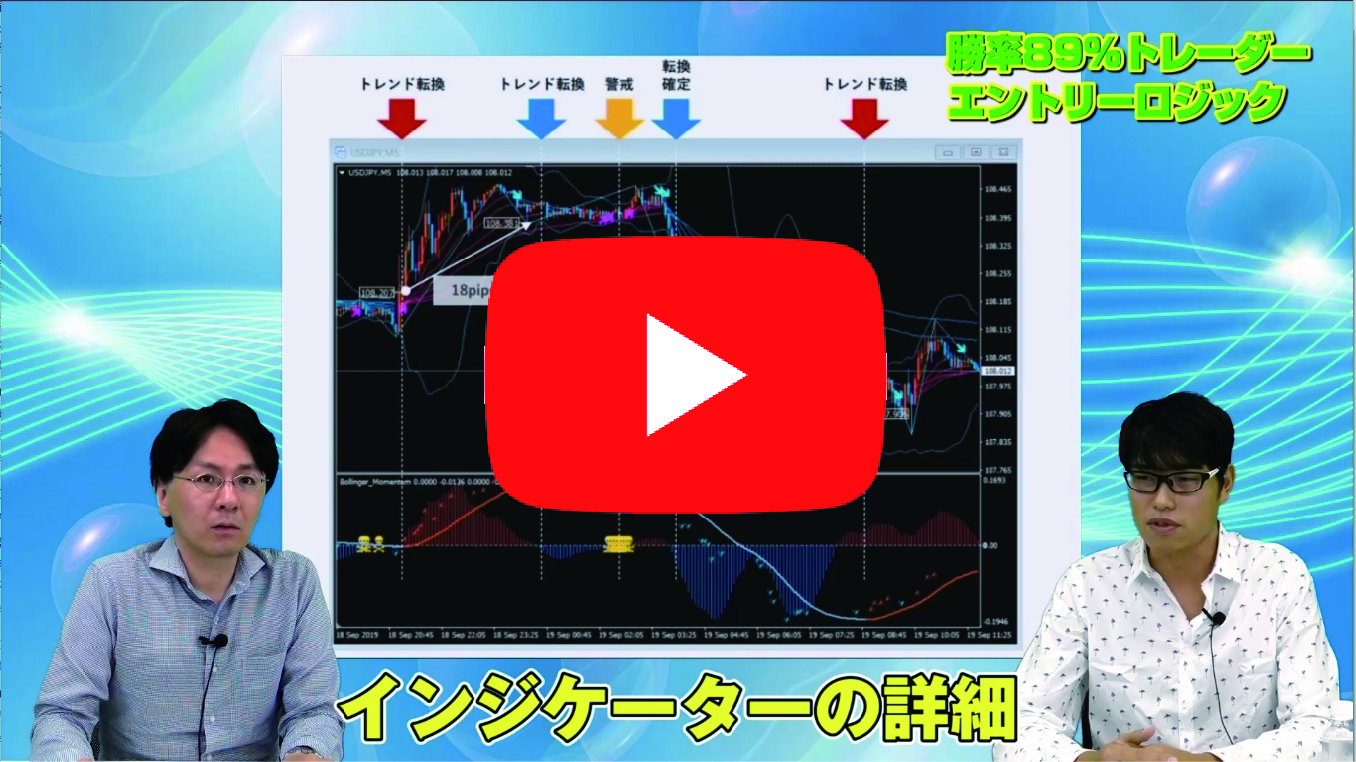

【Video】Kawasaki Doremon explains recommended currency pairs, required funds, and start/end conditions for GuruTrade
Popular as a versatile trading method that works in both trending and ranging markets, the Guruguru Train is highly favored for its flexibility. In this video, we have Kawasaki Doruemon, the developer of Gurutore, explain the most trade-friendly currency pairs, settings according to required capital, and entry and exit strategies using chart analysis (conducted by FX攻略.com Editorial Department Takeuchi Musashi).
※ Those who purchase can also download the lecture materials (PDF file) used in the video.
What you can learn from this video

In this video, you will learn the following contents.
- The most favorable currency pair to target and why
- What lies beyond surviving crashes or surges
- Recommended Gurutore settings for 5,000,000 yen margin
- Recommended Gurutore settings for 500,000 yen margin
- Entry and exit strategies. The key is the Stochastic
- Early counter-move and late counter-move
- Using MACD as a supplemental tool
- How to use Bollinger Bands
- Gurutore's customization capabilities
- Editorial member Kanai's Gurutore settings judged by Kawasaki Doruemon
●Video length: 12 minutes 12 seconds
Profile of Kawasaki Doruemon

Feeling limited by discretionary trading, he sought a system trading method that would be profitable with as little mental strain as possible. After various simulations, he completed Guruguru Train.
Official site:Kawasaki Doruemon’s FX Blog
Twitter:https://twitter.com/kawasakidoruemo
A word from the editor-in-charge, Kanai

I think this video will serve as a guide for those who have understood Gurutore to some extent and are ready to start operating it.
Gurutore is not a product unique to any specific securities firm, so you have to decide everything yourself. Kawasaki Doruemon explains the information and mindset for doing so.
How to view FX strategy videos
The section that readers who purchased the article can view (at the bottom of this article) embeds the FX strategy video. Click the play button to start the video.
You can also download the lecture materials.