
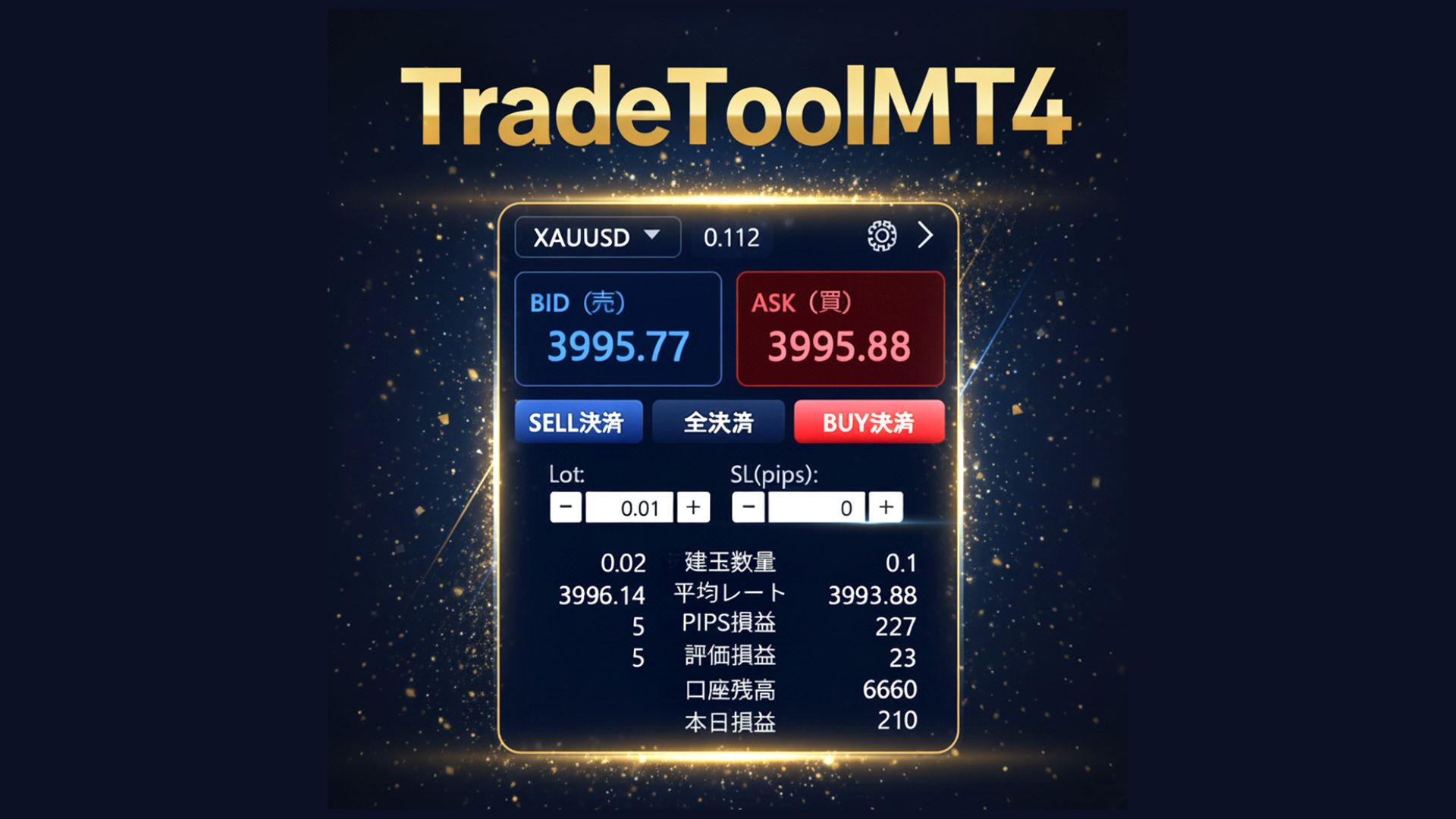
New release, discretionary support tool 'TradeTool MT4'
I can’t go back to MT4’s small order panel.
External UI trade tools that change the game
“The standard for discretionary trading”
This tool connects to MT4 via pipe communicationas an external UI-type trade controller.
It achieves speed, visibility, and ease-of-use all at once, creating a discretionary trading environment where you make no mistakes and don’t get lost.
Furthermoreyou can use indicator signals directly as entry/close triggers, enabling the best of discretionary trading and semi-automatic trading.
?️1. The “lightness” and “reassurance” of an External UI
Robust design that separates EA and UI
The MT4 side handles only orders and management with a dedicated EA, while the UI runs as a Windows app in a separate process. This design minimizes chart load impact and keeps the UI safe from MT4 freezes.
High-transparency text command communication
BUY / SELL / CLOSEALLand other commands are exchanged via fast pipe communication. Because they are logged, you can reliably verify what was sent and when later.
Magic numbers managed in one place
Just specify MagicNumber in settings to synchronize with the EA. Manage positions by purpose ( discretionary, strategy-specific, etc.) from the UI easily.
?️2. An price & position panel that’s “understandable at a glance”
-
✔
Automatically adjusted large BID/ASK display:Font size automatically fits the window size. Regardless of digits or currency pair, prices are always displayed at the largest readable size.
-
✔
Spread monitoring at all times:Shows spread with every price update. Even during scalping or major news, you can see spread widening at a glance.
-
✔
Right pane shows positions with one-click close by line item:See ticket-level info in one row. BUY/SELL are color-coded, making position bias intuitive. The CLOSE button on each row ensures you close only what you see.
⚡3. SL/TP and pyramiding fully done from the UI
-
SL/TP inputs prioritize “pips” smartly
For stop loss, first input in pips and it automatically converts to prices and sends. When pips is set to 0, only price input is sent. This two-step logic prevents confusion. The 1-pip size per currency pair is auto-detected, so instruments with different decimals (gold, crypto, etc.) feel the same. -
Pyramiding tab included
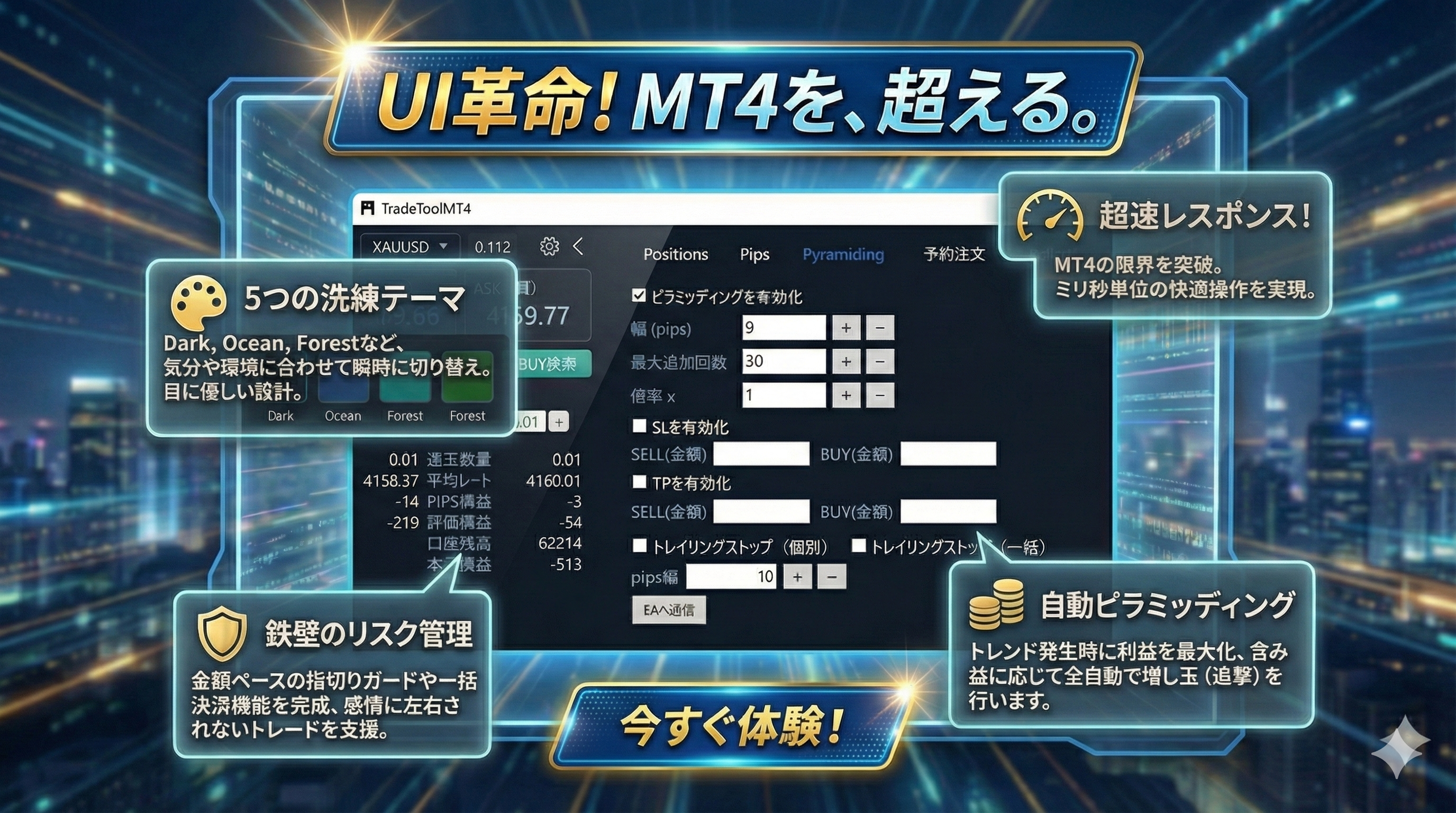
From the UI, set “width (pips per step)”, “max repeats”, and “lot multiplier” and sync with the EA. Automatically follow the trend without letting emotions steer executions. It also includes a smart restore function for previous settings.
⚙️4. Pro-grade customization and smooth operation
?5. Theme switching to boost readability and motivation
Backgrounds, text colors, and button gradients are all controlled per theme. Choose from dark, ocean, or warm sunset styles to suit mood or time of day. Accent colors for Bid/Ask sync with the design for both readability and aesthetics.
?6. Use indicators directly as entry & close triggers
-
Indicator-driven entries and closes
Monitor signals from your indicators (arrow signs, buffer values, text objects, etc.) and trigger entries/closes automatically when those signals fire.
Move from “indicator + manual click” to “indicator lights up and auto-orders”. -
Best of both discretionary and automatic
Unlike fully automatic EAs, you can let indicators handle the entry conditions while you control lot size, pyramiding, and exit timing from the UI. This preserves discretionary trading feel while automating the entry point. -
Design that leverages existing indicators
Use signals from favorites you already rely on (RCI, MA-based indicators, oscillators, custom indicators, etc.) as-is.
By removing the manual step of watching signals and clicking, you’ll see improved fill accuracy and reproducibility even with the same logic. *Some indicators may not work depending on their behavior.
Summary: UI that turns your trading setup into a weapon
This tool is not merely a pretty order panel.
“External UI × meticulous design × indicator integration”creates a environment where you can
prevent mistakes, place orders quickly and accurately, grasp conditions at a glance, and trade directly using indicator signals.
It’s a controller that embodies what discretionary traders truly want.
Add this UI to your usual MT4, and trading stress and mistakes decrease significantly,
while upgrading you to a trading environment where you can focus on decisions and never miss signals.