
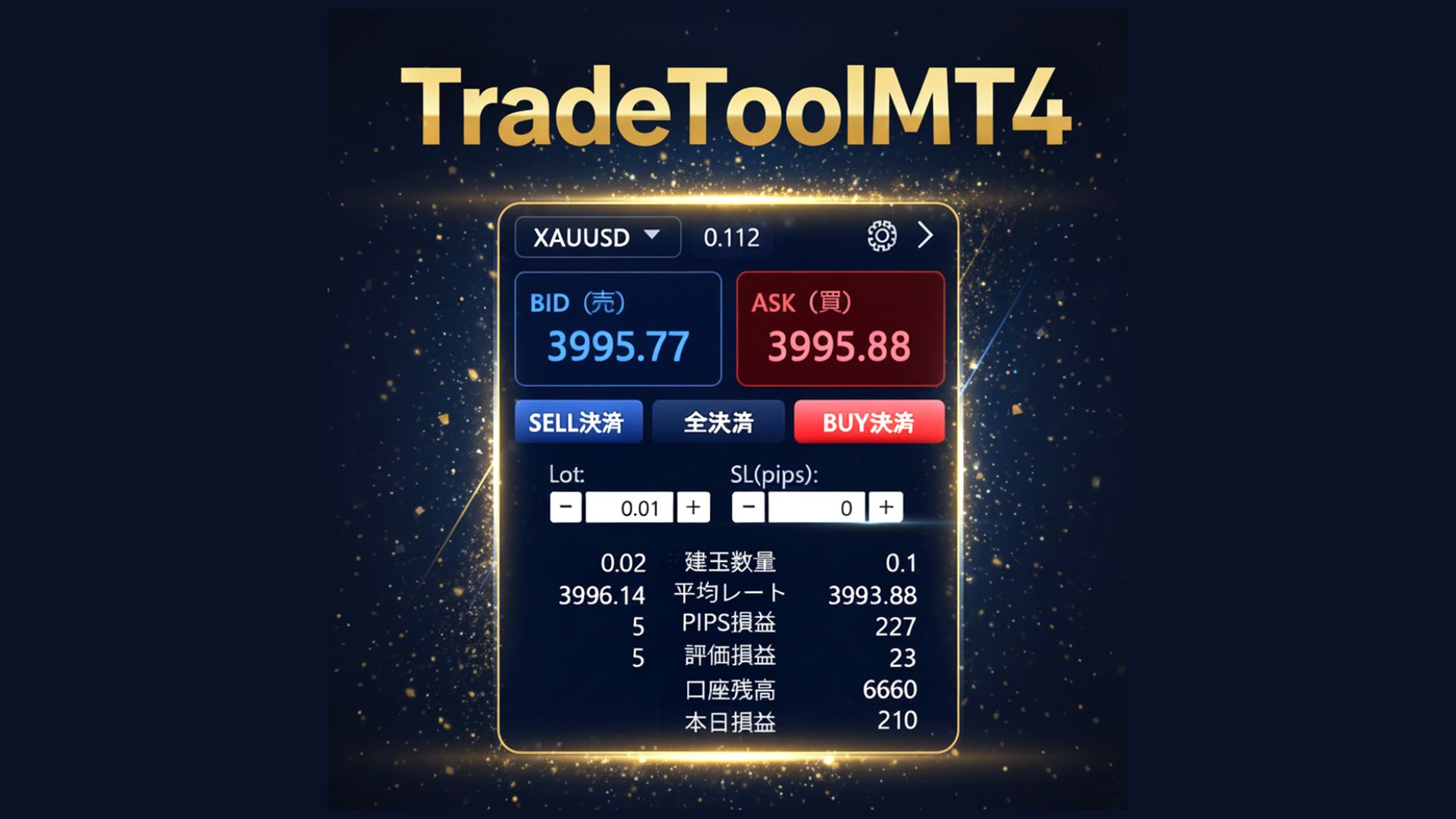
Latest update: Added object detection feature for indicator trading! Take discretionary trading to the next level with this powerful discretionary support tool
Powerful Discretionary Support Tool, Trade Controller 'TradeTool MT4'
? Spotlight of the latest version: Indicator trading × Object detection
Traditionally“Trading based on indicator buffer values”In addition, the latest versiondirectly detects arrow and text objects on the chart for trading decisionshas added new features.
▼ What you can do with object detection
- Turn the arrows of commercially available indicators intoautomatic trading signals as-is
- Arrows and text alerts on the chart,even indicators without buffers can be used for trading
- Buffer detection + object detectionenables even more entry possibilities
In other words,“If an indicator shows a signal, just incorporate it into the trading logic”—a near-universal signal utilization becomes possible. This is a domain that cannot be reached with MT4's standard order panel or simple EAs.
*Depending on the operation of the indicator, it may be impossible to signal-ize signals
? Major selling points of TradeTool MT4
1. External UI with “overwhelming speed” of operation
- With a single clickimmediate entry / immediate exit
- Even with 20 positions closing simultaneously,the UI is designed to process quickly without freezing
- Large buttons and organized layout greatly reduce mis-clickssignificantly
We have prepared an environment where you can act without hesitation the moment you decide “this is it”.
2. Rich trading-assistance features (all ON/OFFable)
We’ve loaded many trading-assistance features that can be finely controlled to fit your strategy.
- Pyramiding (add-on) feature
・Spread pitch setting / maximum number of additions
・Adjust your approach with lot-size growth factor - TP/SL guard and trailing
・Direction-specific take-profit / stop-loss guards
・Designed to extend profits with trailing stops - Indicator trading engine
・Buffer detection, object detection (new feature)
・Supports individual buy/sell conditions and reverse trading - Reserved-order block
・Set limit/stop orders only when conditions are met
3. Multi-tab UI for professional-grade visibility
The right panel is tabbed, organizing and displaying information.
- Positions (list of positions)
- Pips View (profit/loss based on price movement)
- Pyramiding settings tab
- Reserved orders tab
- Indicator tab
You can access essential information quickly, supporting calm decision-making even in hectic market conditions.
4. High-speed bidirectional communication between external UI and EA
ProprietaryNamed Pipe communicationenables fast exchange of position information and settings between MT4 and external UI. Updating the position list and modifying settings are less prone to delay, delivering a seamless user experience.
5. Theme and design built for long-duration trading
Multiple color themes are provided, allowing switching to fit your preference and environment.
- Classic
- Dark
- Ocean
- Forest
- Sunset
- Midnight, etc.
An UI that balances visibility and reduced fatigue, letting you focus your attention on trading itself.
✅ A tool that unleashes the potential of indicator trading all at once
With this update, ‘TradeTool MT4’
regardless of whether it’s a commercially available indicator or a self-made indicator, can convert arrows and text signals into trading logicinto a powerful discretionary-support tool.
Tools that cover not only buffer-type indicators but also object-type indicators are rare. If you’ve thought signals look good but you can’t manhandle them all, or you want to make existing signals more effective, this environment is especially well-suited for you.
? Limited-time sale in progress
Currently, ‘TradeTool MT4’ isavailable at a limited-time sale price.
Newly addedobject-detection-enabled indicator trading engine—try incorporating it into your trading setup as soon as possible.
Take discretionary trading to the next stage.
Would you like to upgrade your trading style with ‘TradeTool MT4’?