
FX automated trading software troubleshooting when it does not run
From readers
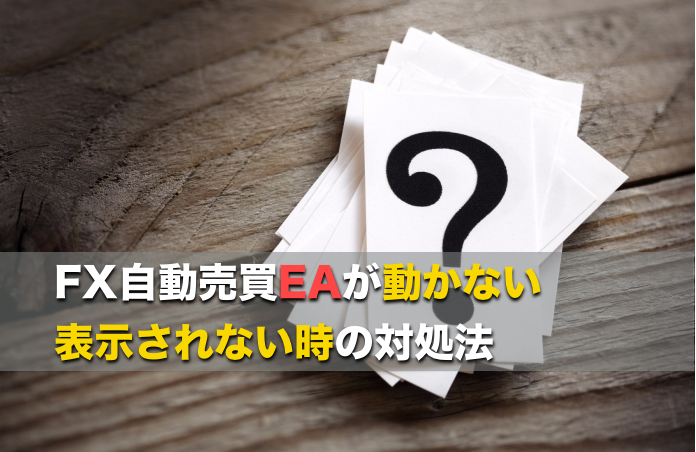
Setting up FX automated trading EA
is not working well,
so we received inquiries
and summarized them in an article.
https://salaryman-investment-automated-trading.com/fx-beginner/fxauto-trade/ea-problem/
When setting up an EA
as a setup method
the characteristic points are
・Put the EA into the MT4 data folder
and then restart.
・From the EA options
set “Allow automated trading”
to enabled.
・When switching to a new MT4
you need to disable account authentication once
to proceed.
If you are operating the EA on MT4
and you switch to another FX company’s MT4
to a different broker, you must
change the account authentication
otherwise the EA installation may not go smoothly
and that has been a common question lately.
So we summarized the troubleshooting methods
for when automated trading EA doesn’t run.
in an article.
https://salaryman-investment-automated-trading.com/fx-beginner/fxauto-trade/ea-problem/
My recommended EA
list is here.
https://salaryman-investment-automated-trading.com/ea/fxea/post-1335/
)